Build Your Emergency Action Plan Before You Need It
The best time to think through an emergency is before the emergency. Years ago, when I worked as aircrew, we used to say the best time to plan for contingencies was zero feet and zero speed. Same idea here. Calm brain. Dry clipboard. No chaos. No panic. Just smart preparation.
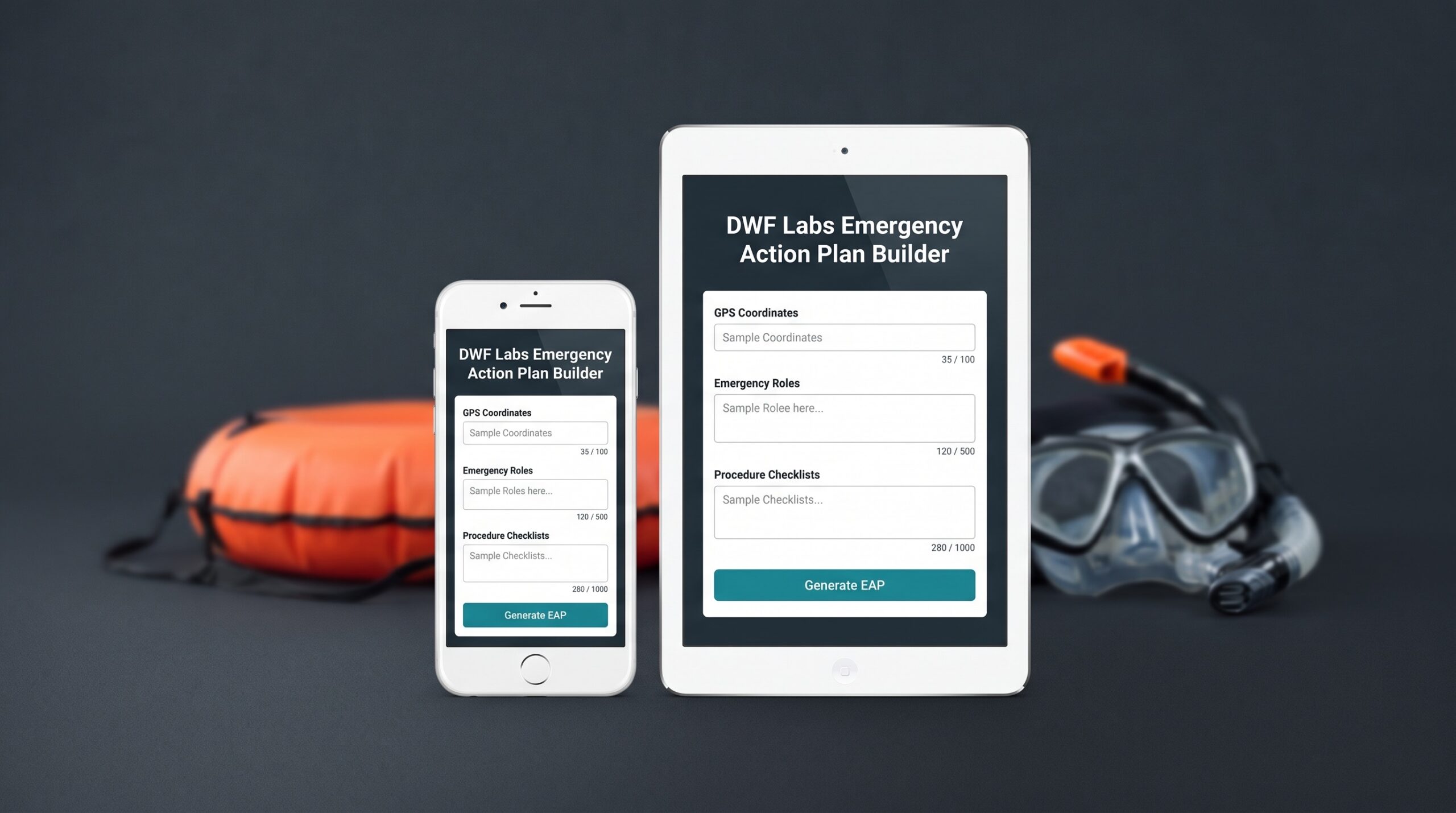
The DWF Labs Emergency Action Plan Builder helps you organize the details you may need during a class, dive trip, quarry weekend, boat dive, or specialty event.
Emergency Action Plan Builder
Build a clear, local-first scuba Emergency Action Plan for a class, quarry weekend, boat dive, shore dive, pool session, trip, liveaboard, or specialty event.
Local-first: this tool formats your EAP in your browser. DWF does not store the emergency contacts, site notes, student details, phone numbers, access notes, or private plan information you enter.
Before you generate an EAP
This builder organizes information. It does not make the dive safe by itself. You are responsible for verifying every contact, location, access note, equipment location, and emergency procedure before using the final plan.
Generate is locked until this acknowledgement is checked.
Emergency reminder
Call local EMS first. Do not delay medical care while looking for a chamber, calling around, gathering paperwork, waiting for a particular person, or trying to self-route a diver to recompression. A chamber treatment is a medical decision. Get the injured diver evaluated and let medical professionals coordinate care.
Generated EAP Preview
After you complete the plan details and acknowledge the terms, generate the EAP here. This is the print/PDF version.
Your generated EAP will appear here.
Fill in the form, choose your procedures, acknowledge the terms, then select Generate / Update EAP.
Terms of Service & Safety Acknowledgement
Important: This is a planning and organization tool. It helps you collect emergency information and format it into a printable Emergency Action Plan. It does not guarantee safety, eliminate risk, or replace training, judgment, supervision, local procedures, agency standards, emergency services, or professional medical care.
Use of the tool
- The EAP Builder is provided “as-is” for informational and planning purposes only.
- You are solely responsible for verifying the accuracy, completeness, and current status of every phone number, address, GPS coordinate, facility, access instruction, equipment location, role assignment, and procedure in your final plan.
- Real-world conditions, gate access, staffing, phone numbers, medical facility availability, chamber availability, weather, boat procedures, site rules, and emergency-response resources can change.
- You should review the final plan before every class, trip, dive day, or event.
Medical and emergency limitations
- This tool does not provide medical advice, diagnosis, treatment recommendations, or emergency-response instructions specific to a patient.
- In an emergency, activate local EMS or the local emergency number first.
- Provide oxygen first aid, CPR, first aid, AED use, and other care only within your training, equipment, and local procedures.
- Do not delay EMS activation, evacuation, transport, medical evaluation, or immediate care while searching for a chamber or trying to self-route a diver to recompression.
- Recompression treatment is a medically prescribed procedure. Let EMS, physicians, DAN, and qualified medical professionals coordinate chamber referral if needed.
No guarantee of outcome
Having an EAP can support better preparation, but it does not prevent accidents, remove risk, guarantee rescue success, guarantee medical access, or guarantee a positive outcome.
Responsibility and hold harmless
By using this tool, you accept responsibility for how you use the information you enter and the plan you generate. To the fullest extent allowed by law, you agree not to hold Dive With Frank, its owner, instructors, contractors, or affiliates responsible for claims, losses, damages, injuries, delays, omissions, inaccurate information, misuse of the tool, or consequences arising from your use of the generated plan.
Privacy note: The EAP information you type into this tool is generated locally in your browser for printing or saving. DWF does not store your entered emergency contacts, student names, phone numbers, site details, or private EAP information on the server.
What's New
Latest updates for the Emergency Action Plan Builder.
- Improved page loading so the EAP layout styles apply reliably for logged-in and logged-out visitors.
- Kept the EAP form, safety acknowledgement, and print workflow local to your browser.
- Standardized printed plans with the shared DWF Labs logo, title, and footer.
- Improved field validation and per-plan print reliability.
- Made behind-the-scenes reliability improvements.
Display Settings
Choose a comfortable view. Your choice is saved in this browser.
Theme
Text Size
Motion and Decoration
Better Decisions Start Before the Dive
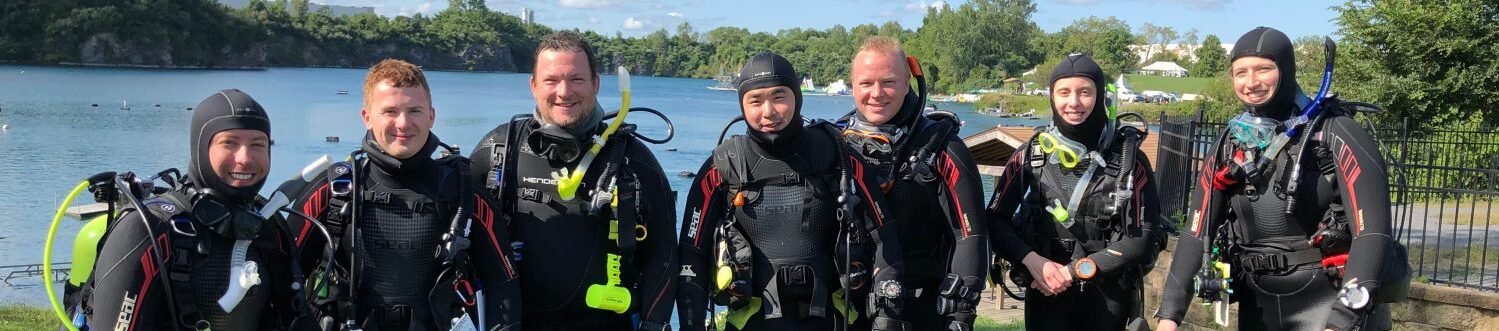
Learning how to create and use an Emergency Action Plan is something we specifically discuss during the PADI Rescue Diver course and build on during the PADI Divemaster course
What the EAP Builder Helps You Organize
- Site location, access points, and GPS coordinates
- Emergency contacts and local medical resources
- Oxygen, first aid, AED, and safety-equipment locations
- Assigned emergency roles for your team
- Procedure checklists for common dive emergencies
- A printable Emergency Action Plan for the leader, oxygen kit, and emergency access point
Important: The builder helps organize your plan, but you must verify every address, phone number, GPS coordinate, facility listing, equipment location, and access instruction before the event.
Privacy matters too. The plan is generated locally in your browser for printing or saving. DWF does not store the private EAP information you enter into the tool.
Build the plan while everyone is calm, dry, and thinking clearly. Then print it, review it, and keep it where it can actually help. The first time you think about your response plan should not be when the emergency is already happening.